

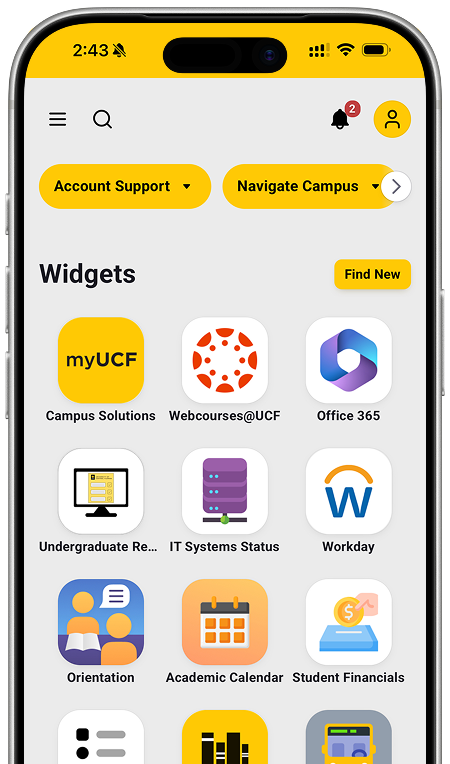
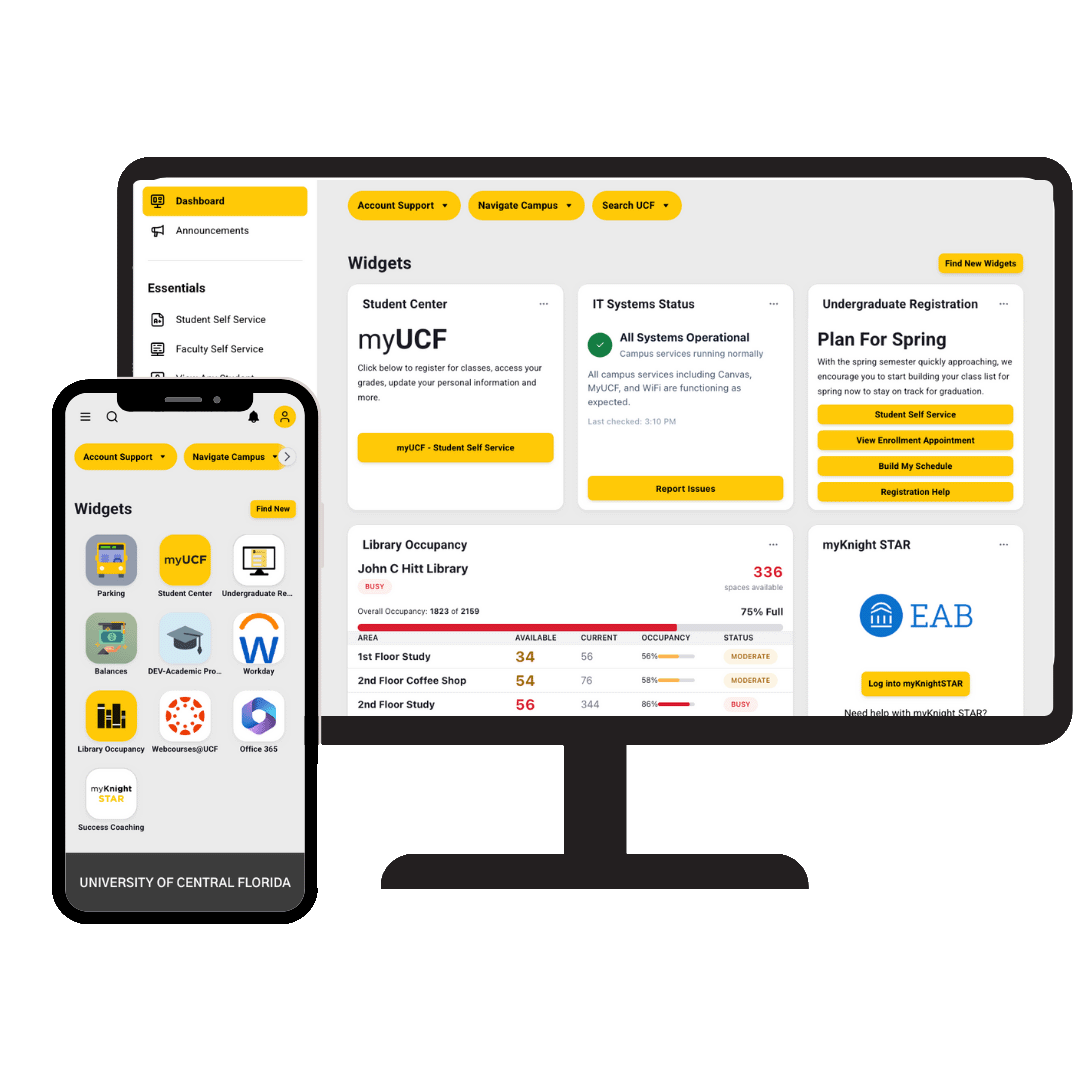
Unified experience between mobile and desktop
Break the boundaries between devices with a singular platform that keeps you productive on the move.
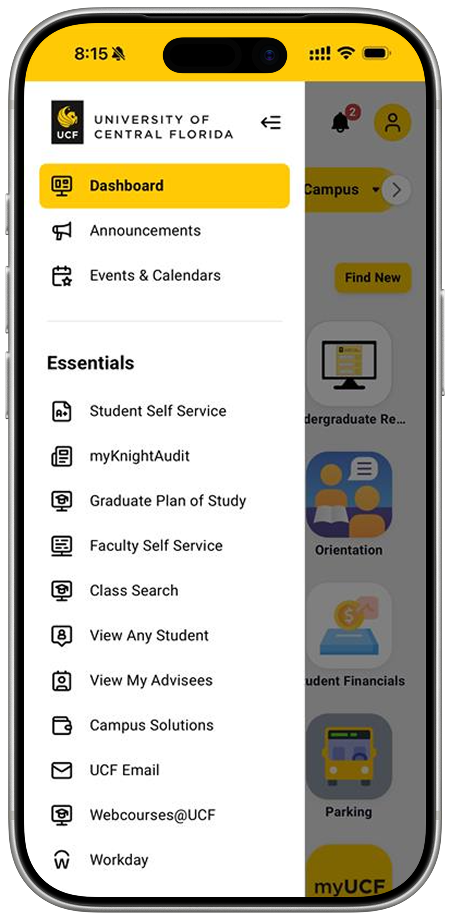
Customize Your Experience
Build a dashboard that works for you. Add and organize so the tools you need most are always at your fingertips.
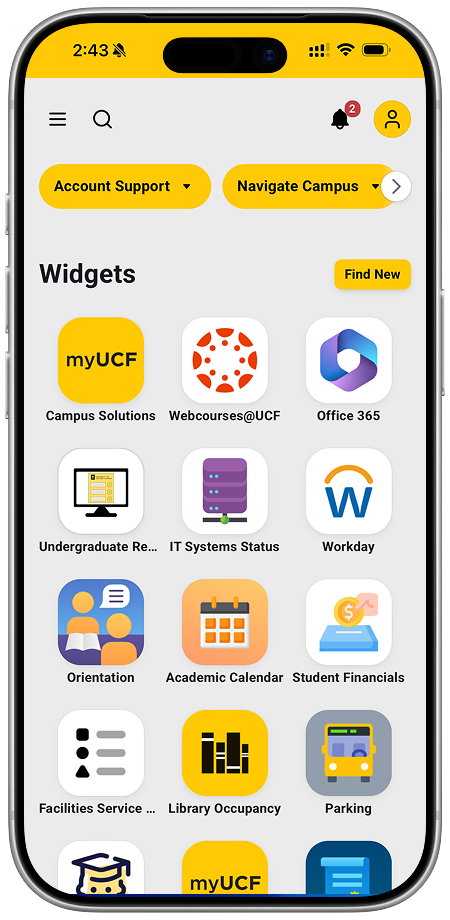
Tools You Use
Your all-in-one hub for everything you need to learn, teach, and work.
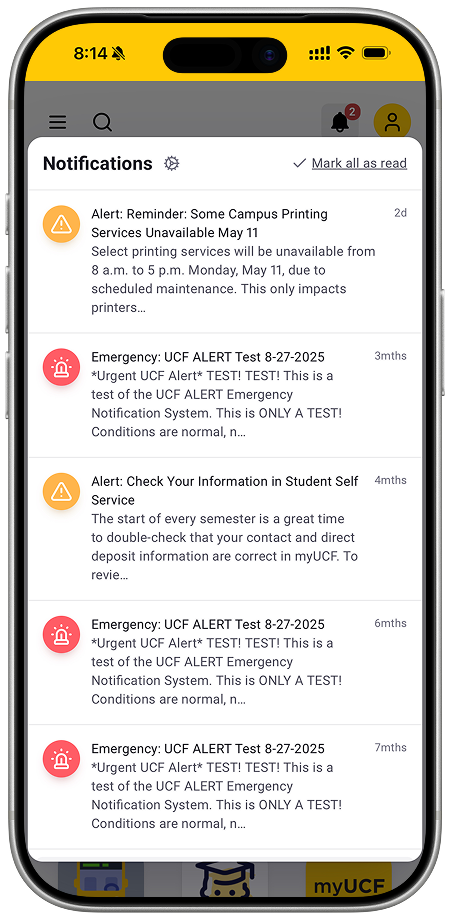
Stay Connected
Stay connected to the things that matter. Access popular features of myUCF, quickly connect to your online courses, check your Email, or catch a ride on a campus shuttle.
Get More Apps!
Explore more apps that can keep you connected to UCF while on the go.
Frequently Asked Questions
app
Once you download the myUCF app, simply log in using your UCF credentials (NID).
The myUCF app includes many of the tools you use today, such as access to key systems, campus resources, and personalized information. Some features may look different, but your most important tools are available and easy to access.
The current UCF Mobile app will be retired on June 30. After that date, it will no longer be available or supported. To avoid losing access, you’ll need to download and start using the myUCF app.
UCF is moving to the myUCF app to provide a more unified and personalized experience. The new app brings your tools, information, and updates together in one place, and will continue to evolve over time.
Yes. The myUCF app will continue to grow and improve over time, with new features and enhancements added based on student, faculty, and staff needs.